
July 4, 2026
How to Verify Age on TikTok Safely: Official Steps, Limits, and What Not to Do
Table of contents
- Table of contents
- How to verify age on TikTok: quick answer
- Official TikTok age verification paths to check first
- How TikTok LIVE age verification works
- How to prepare a TikTok age appeal without over-sharing
- What TikTok age verification cannot prove
- Safety and legal use
- TikTok age verification troubleshooting checklist
- FAQ about how to verify age on TikTok
- Final checklist for TikTok age verification
If TikTok asks you to verify your age, the safest answer is simple: follow the official prompt inside TikTok or use TikTok Support. Do not use borrowed IDs, fake details, random “age unlock” services, VPN tricks, browser scripts, or third-party forms that ask for your login.
TikTok age verification is not just a checkbox. It can affect LIVE access, Gifts, Diamonds, underage appeals, birthday corrections, teen safety settings, and sometimes account access. This guide explains the supported paths, what information TikTok may ask for, how to prepare before you appeal, and where to stop so you do not turn a normal account issue into a privacy or safety problem.
Key takeaways
- Use TikTok’s in-app notice, LIVE prompt, Report a Problem flow, or official help pages.
- Age verification is different from account age. A profile created years ago does not prove the user is old enough for adult-only features.
- If a teen, child, parent, school device, or shared account is involved, use TikTok safety tools instead of trying to force access.
Table of contents
- How to verify age on TikTok: quick answer
- Official TikTok age verification paths to check first
- How TikTok LIVE age verification works
- How to prepare a TikTok age appeal without over-sharing
- What TikTok age verification cannot prove
- Safety and legal use
- TikTok age verification troubleshooting checklist
- FAQ about how to verify age on TikTok
How to verify age on TikTok: quick answer
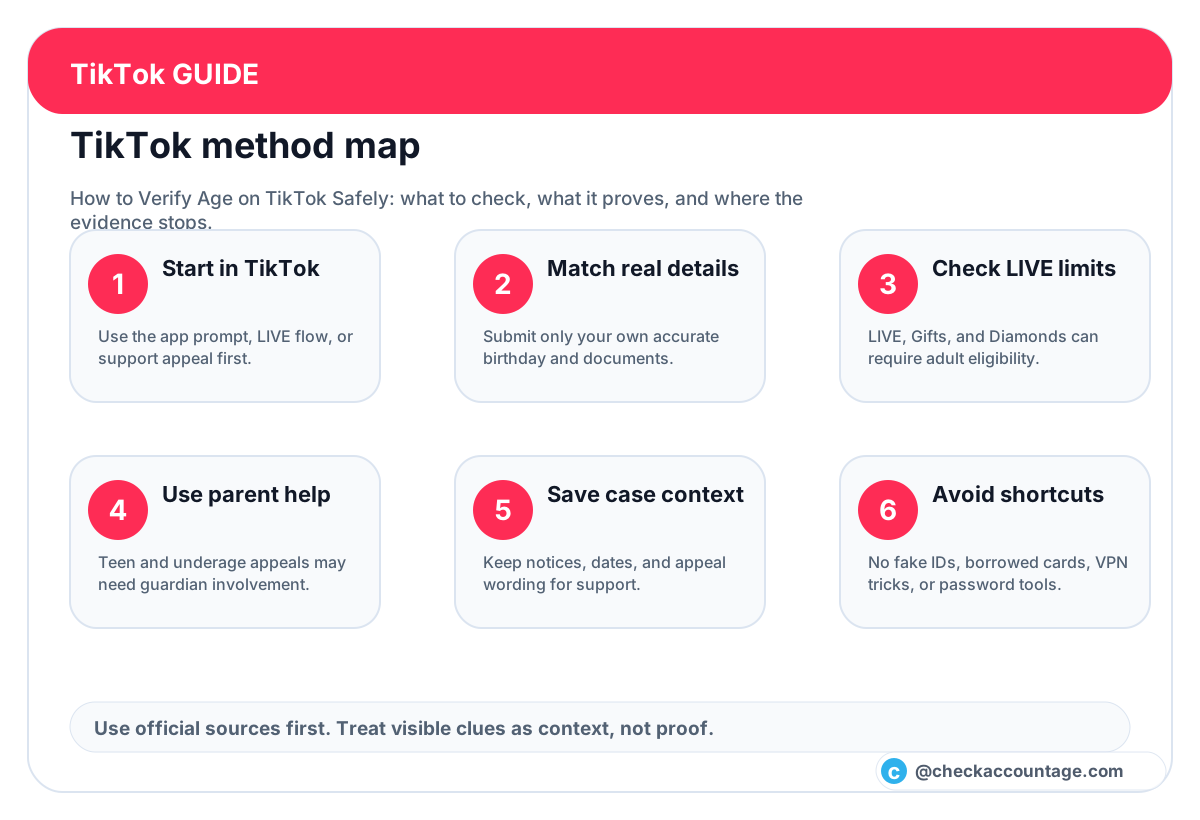
To verify age on TikTok, start from the exact place where TikTok asked for confirmation. That may be an in-app notification, a LIVE setup prompt, an account restriction notice, or a support appeal screen. Follow the instructions shown there, and compare the wording with TikTok’s official help pages, including Age requirements for TikTok LIVE, Underage appeals on TikTok, and Minimum age appeals on TikTok.
The supported route depends on why TikTok is asking. A creator trying to use LIVE may see a different flow from a user appealing an underage restriction. A parent helping a teen should treat the process as a safety and consent issue, not a way to unlock every feature. If TikTok says a feature has an age requirement, the correct next step is verification or appeal through TikTok, not a workaround.
Before you submit anything, confirm three things:
| Question | Why it matters |
|---|---|
| Is this prompt inside TikTok or on an official TikTok domain? | Fake verification pages may steal passwords, IDs, or payment details. |
| Are you correcting your own account information? | TikTok support and identity flows should not be used for another person’s account. |
| Is a minor involved? | Teen safety settings, guardian consent, and local rules may change the correct path. |
If you only want to know how old a TikTok account is, that is a separate question. Account age describes when an account was created, not the user’s real age or eligibility for LIVE. For public account-age context, use the TikTok account age checker as a clue, not as identity proof.
Official TikTok age verification paths to check first
TikTok does not offer one universal “verify my age” button for every situation. The right path is tied to the feature or restriction you are seeing.
Use these official-source paths first:
| Situation | Safer TikTok path | What to avoid |
|---|---|---|
| You are prompted while trying to go LIVE | Follow the in-app LIVE age confirmation flow and read TikTok’s LIVE age requirements | Do not borrow an adult’s ID or payment card. |
| Your account was restricted as underage | Open the TikTok notice and use the appeal instructions | Do not create a second account with false details to dodge the decision. |
| Your birthday is wrong | Use TikTok’s support or Report a Problem flow with accurate information | Do not send ID documents through unofficial forms or DMs. |
| A teen account needs help | Use TikTok’s safety, guardian, and appeal guidance | Do not hide the situation from a parent or guardian when consent is required. |
Competitor guides often make this topic look like a quick settings trick. The better approach is slower but safer: identify the exact reason TikTok is asking, use the official flow for that reason, and keep a clean record of what you submitted. That record can be as simple as the date, the screen name, the support category, and the exact wording of TikTok’s notice.
How TikTok LIVE age verification works
Many searches for “how to verify age on TikTok” are really about LIVE access. TikTok’s LIVE help says users must meet age requirements to go LIVE, and Gifts or Diamonds can have additional eligibility rules. TikTok may ask eligible creators to confirm age when they try to use LIVE or related monetization features.
The exact methods can vary by country, account type, and feature. TikTok’s public help and creator documentation have referenced methods such as identity review, age confirmation prompts, and appeals. Some TikTok Shop or creator flows may also use region-specific age confirmation. Because these details change, use the current in-app prompt as the source of truth.
Here is a practical way to handle it:
- Open TikTok from the official app, not a link from a random comment.
- Go to the feature that triggered the age request, such as LIVE.
- Read the prompt carefully and note what it asks for.
- If TikTok asks for proof, submit only your own accurate information.
- If you cannot complete the flow, use TikTok’s official Report a Problem or appeal path.
- Wait for the review outcome before trying again repeatedly.
The key is not speed. The key is consistency. If your profile information, support explanation, and submitted proof conflict, review may take longer or fail. If you are not old enough for the feature, the answer is to wait or use age-appropriate TikTok features, not to misrepresent yourself.
How to prepare a TikTok age appeal without over-sharing
Good appeals are short, factual, and limited to the issue TikTok needs to review. You do not need to write a dramatic story or send extra private details that the form did not request.
Use this preparation checklist:
- Confirm the account username and email or phone number tied to the account.
- Save the exact notice TikTok showed you.
- Write the correct birthday in a private note before filling out the form.
- Use only documents or confirmation methods TikTok requests in the official flow.
- If a parent or guardian is required, involve them directly.
- Do not send passwords, two-factor codes, recovery codes, session cookies, or payment screenshots.
If you need to explain the issue, use plain wording:
“My birthday on this account appears to be incorrect. I am trying to correct it through TikTok’s official support process. I can provide the information requested in the app.”
That is enough. Avoid claims like “I need this changed so I can unlock LIVE today” or “my friend already verified for me.” Those statements make the request look like feature access pressure instead of a genuine correction.
What TikTok age verification cannot prove
TikTok age verification can help TikTok decide whether an account should access age-restricted features. It does not prove every private fact about the person behind an account.
It does not prove:
- that an old TikTok account belongs to an adult;
- that a public profile is safe, trustworthy, or honest;
- that a creator is eligible for every monetization feature in every region;
- that another person owes you private information;
- that a third-party “age checker” can reveal someone’s real birthday.
This distinction matters for SEO readers because “TikTok age” can mean several things. A creator asking about LIVE needs official verification. A parent asking about a teen needs safety controls. A researcher checking account age needs public profile context. Those are different jobs, and mixing them together leads to bad advice.
Safety and legal use
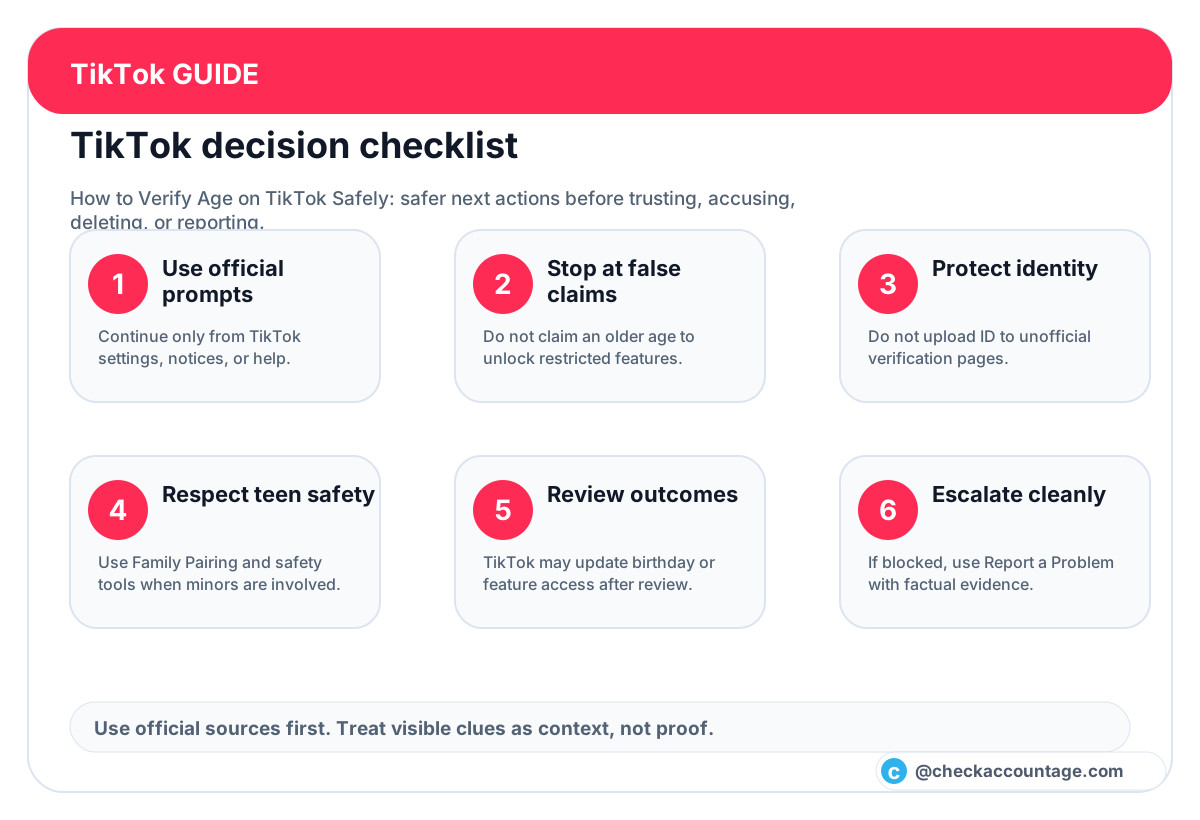
Use this TikTok age verification guide only for your own account or an account you are authorized to help manage. Do not use these steps to bypass platform rules, age restrictions, parental controls, school controls, identity checks, privacy settings, monetization limits, or moderation decisions. If a child or teen is involved, use TikTok’s guardian and safety tools and follow local law.
Do not submit someone else’s ID, borrow a parent’s payment method without permission, pressure another user to reveal private documents, or use services that promise secret verification. If TikTok says a feature is not available to your age group or region, treat that as a platform boundary.
TikTok age verification troubleshooting checklist
If you are stuck, work through this list before opening another appeal:
| Problem | Safer next step |
|---|---|
| The prompt disappeared | Reopen TikTok, update the app, and return to the feature that triggered it. |
| The app will not accept your information | Check spelling, birthday format, network stability, and whether the account is the correct one. |
| You submitted the wrong detail | Wait for the outcome, then use the official support path to explain the mistake. |
| A website asks for your TikTok password | Leave immediately. TikTok age support should not need your password outside TikTok login. |
| A teen account is restricted | Use the official underage appeal or guardian flow rather than a workaround. |
| You only need public account-age context | Use the TikTok account age checker, but do not treat account age as real age. |
If the issue involves account access, also review TikTok’s official account and safety help from inside the app. If the issue involves scams, suspicious links, or messages asking for verification codes, read TikTok’s guidance on avoiding phishing and keep your login details private.
FAQ about how to verify age on TikTok
Can I verify age on TikTok without an official prompt?
Usually, you should start from the feature, notice, or support flow that triggered the age question. TikTok may not show the same verification option to every account, region, or feature.
Can I change my TikTok age instantly?
Do not assume so. Some changes require a review or appeal. If TikTok asks for proof, use the official flow and wait for the result.
Does TikTok account age prove the user’s real age?
No. Account age is the age of the profile, not the person. A long-running account can be used by a younger person, and a new account can belong to an adult.
What if TikTok says I am underage by mistake?
Use the underage or minimum-age appeal path from TikTok’s official notice. Keep the explanation factual and submit only the information TikTok requests.
Should parents help with TikTok age verification?
Yes, when a teen or child account is involved. Parents and guardians should use official safety and appeal tools instead of hiding activity or forcing access.
Is it safe to use a third-party TikTok age verification service?
No. A normal verification or support process should not require you to give a random site your TikTok password, two-factor code, recovery code, ID photos, or payment details.
Final checklist for TikTok age verification
- Start from the TikTok app, official notice, or support page.
- Match your real birthday and your own documents.
- Keep notes on the prompt, date, and support category.
- Use guardian help for teen and child accounts.
- Do not treat account age as proof of real age.
- Stop if a site asks for passwords, codes, cookies, or unofficial uploads.
The safest TikTok age verification process is not the fastest-looking shortcut. It is the one that keeps your identity, account access, and teen safety boundaries intact while giving TikTok the information it officially asks for.